|
FEATURE STORY
End-to-End Document Management, Now Included
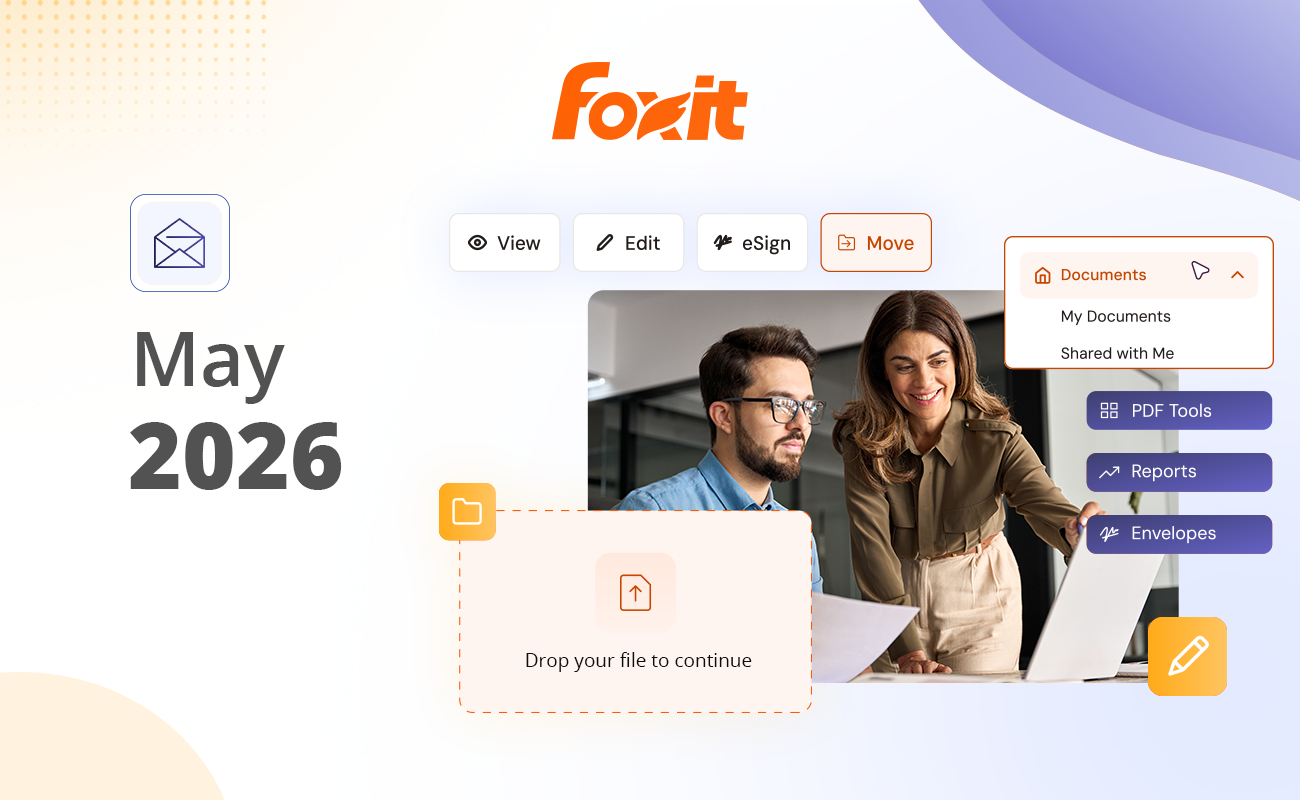
Foxit DMS is now live, delivering a smarter way for businesses to store, organize, and manage documents. Unlike basic cloud storage, this is a true document management system with metadata tagging, advanced search, security settings, and governance controls. It is the connected tissue that unifies the entire Foxit ecosystem, so you can edit, sign, and manage documents in one seamless workflow without switching tools or re-uploading files. The best part? It's included at no additional cost for PDF Editor and
eSign customers, with free unlimited cloud storage.
|
|

|
|
Foxit PDF Editor v2026.1.1 Is Here
Foxit PDF Editor just got a major upgrade — and it’s more than a version bump. With the release of Foxit PDF Editor v2026.1.1,
Foxit is introducing something that changes the way teams work with documents across the entire Foxit ecosystem: the Foxit Document Management System (DMS).
This release marks a significant step forward in Foxit’s mission to deliver a fast, secure, and intelligent document platform — one where editing, signing, storing, and managing documents all happen in one connected place.
Read More>>
|
|
|
|
|
|
How to Edit a PDF in Google Drive
PDF (Portable Document Format) is a widely-used file format for sharing and preserving documents in their original layout across different platforms. It’s common to have many business and personal documents saved in PDF file format. However, making changes to a PDF document used to be a cumbersome task, requiring specialized software.
Fortunately, with the popular Google Docs, the process has become much simpler for everyone, although it’s not without certain challenges where your PDF file is concerned.
In this article, we will walk you through the step-by-step process of editing PDF files within Google Docs, unleashing the true potential of the versatile Google Docs cloud-based platform.
Read More>>
|
|
|
|
|
|
How a Leading European Bank Boosted Accuracy and Efficiency with Foxit PDF Editor
For banks managing high-stakes financial transactions and documentation, accuracy and efficiency are non-negotiable. A leading European bank faced a growing challenge: employees were wasting time toggling between windows or printing documents just to compare versions. From contracts to applications to financial reports, the manual review process was slow, error-prone, and draining resources. The risk of overlooking key revisions was too high—and so was the operational cost.
To address these inefficiencies, the bank implemented Foxit PDF Editor and quickly saw a transformation in its document review process. Features like horizontal tab viewing and the built-in document comparison tool allowed staff to review files side-by-side, highlight changes instantly, and catch discrepancies that could have easily been missed in a traditional workflow.
Learn How>>
|
|
|
|
|
|
Faster Grading, Safer Data: How a Top University Transformed PDF Submissions with AI-Powered Redaction
In today’s digital-first classrooms, students expect fast feedback and data security, while faculty need tools that reduce administrative burden. For one prestigious university, handling PDF-based assignment submissions within their learning management system (Canvas) had become inefficient and risky. Faculty were spending too much time manually redacting sensitive information from student submissions and correcting inconsistent file formatting—taking valuable time away from teaching and mentoring.
That all changed with the implementation of Foxit PDF Editor+ and its AI-powered Smart Redact tool. Foxit enabled automatic detection and removal of personally identifiable information (PII) within PDFs, giving faculty a streamlined way to handle submissions without compromising data privacy. With the integration of Foxit’s tools directly into their existing Canvas workflow, the university created a smoother academic experience for everyone involved.
Learn How>>
|
|
|
|
Foxit Brings End-to-End Document Workflows into ChatGPT, Closing the Gap Between AI Output and Finished Documents
Foxit announced the launch of its PDF Editor app inside ChatGPT, enabling users to complete full document workflows directly within the AI environment, from creation and organizing through to optimization, sharing, and lifecycle management.
|
|
Foxit Named to G2’s 2026 Best Software List — And It’s Thanks to You
We have some news worth sharing—and it’s a big one.
Foxit PDF Editor+ has been named to G2’s 2026 Best Software List, earning a spot among the Top 50 Best Productivity and Collaboration Software globally.
Out of tens of thousands of products on G2, fewer than 1% make this list. That alone makes it meaningful.
But what really sets this recognition apart is how it’s earned.
|
|
|
|
HELP
Contact the Foxit support team any time you need help.
Global support
+1-866-MYFOXIT (1-866-693-6948)
or +1-510-438-9090
|
|
|
European support
+49 30 21783691
Sales
For global sales contacts, please visit contact page.
|
|
|
|
|
|
|
|
You are receiving this email because you have opted in to receive communications from Foxit. If you no longer wish to receive emails from us, click here to unsubscribe. We respect your privacy and are committed to safeguarding your personal information. To learn more, please review our Privacy Policy.
Email sent to: -
Unsubscribe
|
|
|
|
|
|
|