|
Coffee is an important part of many peoples lives all around the world. Over 400 billion cups of coffee are consumed each year. Every coffee drinker has their preferred style of coffee and their preferred method of consuming coffee. Gourmesso specializes in single-serve coffee capsules for Nespresso machines. Although it may seem that your Nespresso machine offers a limited amount of options that is actually not the case. With your Nespresso machine you can make variety of different drinks like an Iced Coffee, a Latte Macchiato, and a Cappucino. These brilliant drinks will however require extra accessories and materials to brew. Today we will be showcasing a way to vary your single-serve coffee experience that requires ZERO extra materials.
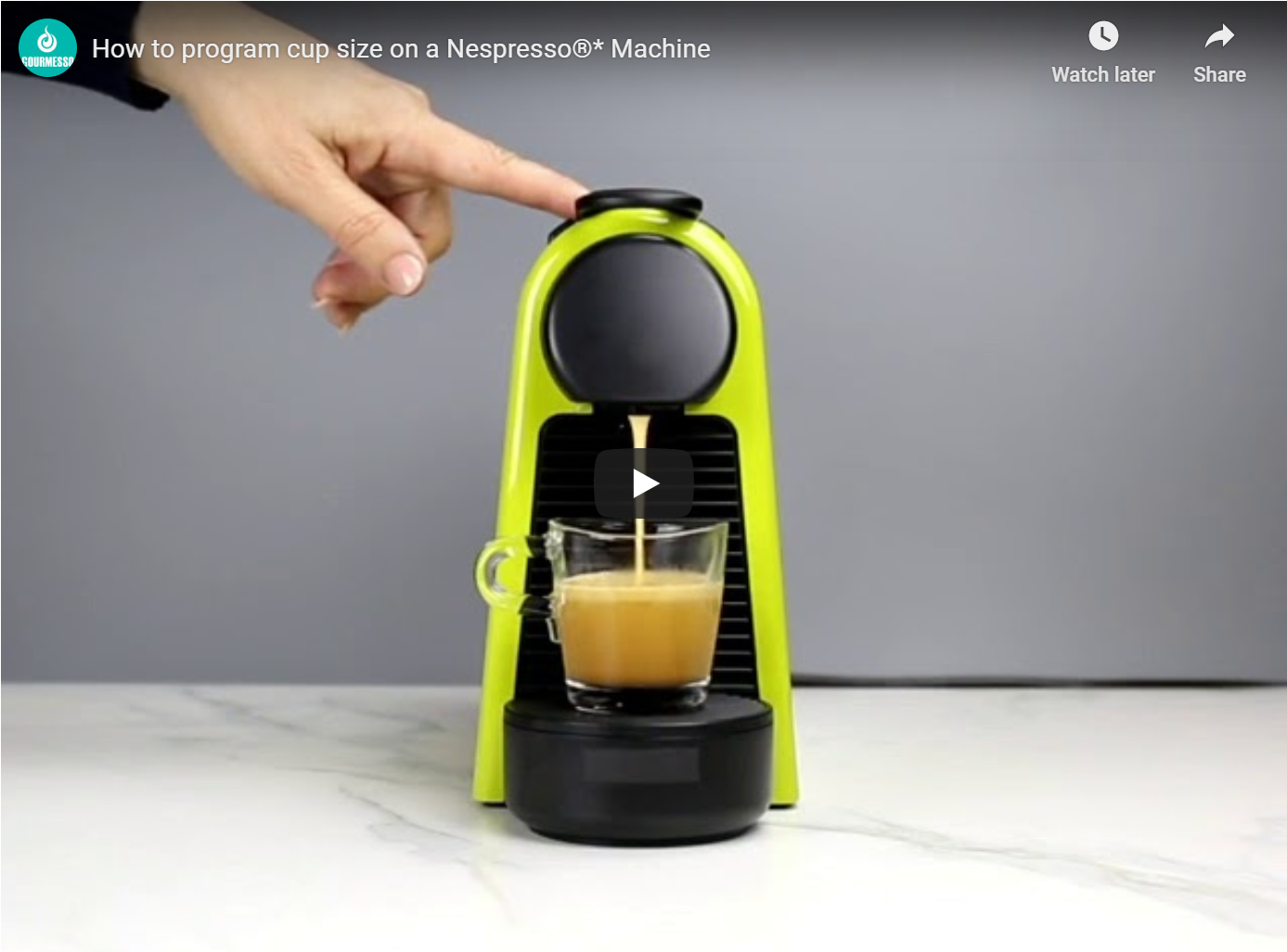
Nespresso Original Machines all offer user friendly ways to change the cup serving size to satisfy your coffee needs. Below you will find instructions on how to change the cup size on various popular Nespresso Original machine models.
|
|
|
Try This Out With Our Coffee Of The Month At 15% Off
|
|
|
|
|
Eco Line - Lungo Arabica Forte
|
|
$4.67 (Originally $5.49)
|
|
Save Now
|
|
|
|
Programming An Essenza Mini
|
|
- In order to program the cup size of the Essenza Mini machine, you will need to first reach down to the side of the machine and turn it on by flipping the power switch.
- Once the espresso and lungo buttons have finished flashing, you can go ahead and put a capsule that is compatible with Nespresso with Nespresso machines into the top capsule area and put a cup underneath of the valve.
- You then either press the espresso button or the lungo button, depending on which one you want to program. Whichever one they choose, they need to hold down the button and maintain pressure on the button even after the coffee starts flowing.
- Once the coffee has reached the level within the cup that you desire you can let go of the button and the flowing will stop. Whatever amount of coffee it has distributed out of the machine will now be remembered for the next time. So, instead of having to hold down the button every single time, the user will just need to press it once and the machine will automatically distribute the exact same amount every time that specific button is pressed.
Resetting Cup Sizes for an Essenza Mini
Sometimes users will want to reset the cup sizes on their Nespresso machines, which will require them to return it to factory settings. In order to put an Essenza Mini back to factory settings, the individual must turn the machine off and begin to hold down the lungo button for five continuous seconds. Once the lights blink three times fast, it indicates that the machine has returned to factory settings and the cup sizes will now be at their standard amounts of 40 ml for espresso and 110 ml for lungo.
|
|
-
In order to program the cup size of a Pixie machine, you will first need to push down the rectangular black power button on the front of the machine to turn it on.
-
As soon as the lights have stopped blinking, you can insert their capsule that is compatible with Nespresso machines into the top of the machine and put their appropriate sized cup underneath of the valve.
-
You then need to press down either the espresso or lungo button, depending on which one they are interested in programming, and keep pressure on it until the level of the coffee has reached the desired amount.
-
Once you let go of the button, the machine will remember the amount of coffee that was poured and will program that amount to be the new standard for that button. So next time that you are in the mood for a cup of coffee, all you need to do is press either the espresso or the lungo button, depending on which one has been programmed, and the machine will automatically pour that same amount.
Resetting Cup Sizes for a Pixie
If a mistake was made or you just wants to go back to the default cup size settings, you will need to reset the Nespresso machine back to factory settings. In order to do this for a Pixie machine, they first need to turn off the machine and then press and hold the lungo button while they turn the machine back on. Both buttons should now be reset to factory settings of 40 ml for espresso and 110 ml for lungo.
|
|
-
The first step to reprogramming the cup size on a Citiz machine is to press either the espresso button or lungo button at the top of the machine to turn it on.
-
You should then open up the top lever, place their Nespresso compatible capsule into it, close it up and put a cup underneath the pour valve.
-
You then need to press and hold either the espresso or lungo button, which will be determined by which button you would like to program, then continue to hold it down until your desired amount of coffee has been brewed.
-
Once you let go of the button, the machine will remember this amount of coffee and will automatically pour it the next time that the button is pressed.
Resetting Cup Sizes for a Citiz
Resetting a Citiz machine is the best way to bring the cup sizes back to their standard amounts. In order to do this, you first need to turn off the machine by pressing both the espresso and lungo buttons simultaneously. Once the machine is off, you then need to press and hold the lungo button for five seconds until both buttons begin to flash three times. The machine will now be reset to the standard settings of 40 ml for espresso and 110 ml for lungo.
|
|
Programming a Latissima Plus
|
|
-
The first step to programming the cup sizes of a Lattissima Plus machine is to turn it on by pushing down the black power button on the back top corner.
-
Once the buttons finish flashing, you can insert your Nespresso compatible capsule and put your cup underneath of the valve.
-
You then need to press the button that you would like to program and keep the button held down until the coffee has reached your desired level.
-
Once you let go of the button, the machine will now be programmed to pour that exact amount of coffee any time that you press that specific button.
Resetting Cup Sizes for a Latissima Plus
Resetting a Latissma Plus machine to its factory setting is a fairly easy process. The user must to hold down the cappuccino, espresso, lungo, and latte macchiato buttons all at the same time for five seconds until all of the lights blink three times. The machine will now be returned to its standard sizes of 40 ml for espresso and 110 ml for lungo.
|
|
|
*Gourmesso is not Affiliated with, Endorsed or Sponsored by Nespresso®
15% Discount ends 7/31/2020 12:00 AM PDT
|
|
|
Questions & Comments
Unsubscribe
Coffee Capsules Inc 2980 McFarlane Rd Miami, Florida 33133
Copyright © 2020 Coffee Capsules Inc , All rights reserved.
*Coffee Capsules Inc. and its products are not endorsed by, sponsored by, licensed by, or approved by Nespresso USA Inc., Keurig, or any of their affiliates. Nespresso® is a registered trademark of Societe des Produits Nestle S.A.
Terms&Conditions | Privacy Policy
|
|
|
|