| |
 |
 |
One iPhone. One Light.
Any World You Can Imagine.
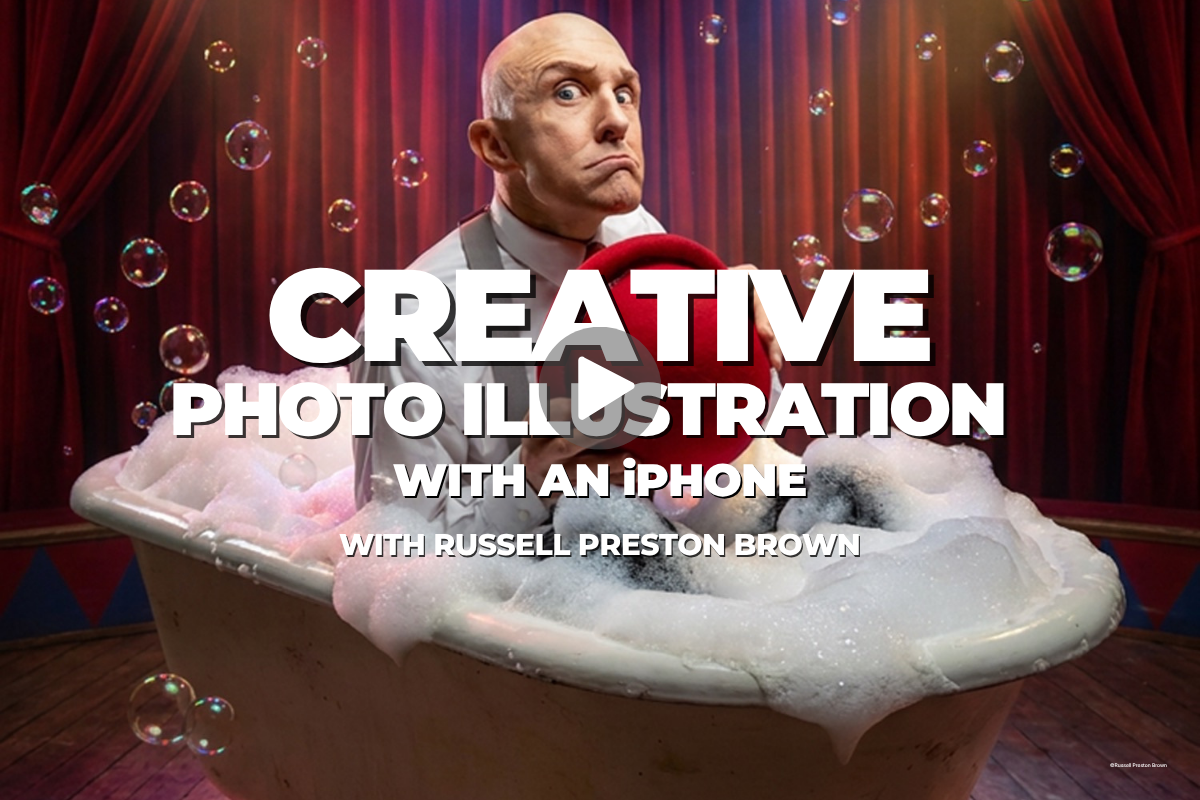
Creative Photo Illustration with an iPhone
7 lessons with Russell Brown · From one-light portrait to finished illustration
|
| |
Anyone can take a portrait with an iPhone.
Russell shows you how to turn it into art.
|
|
|
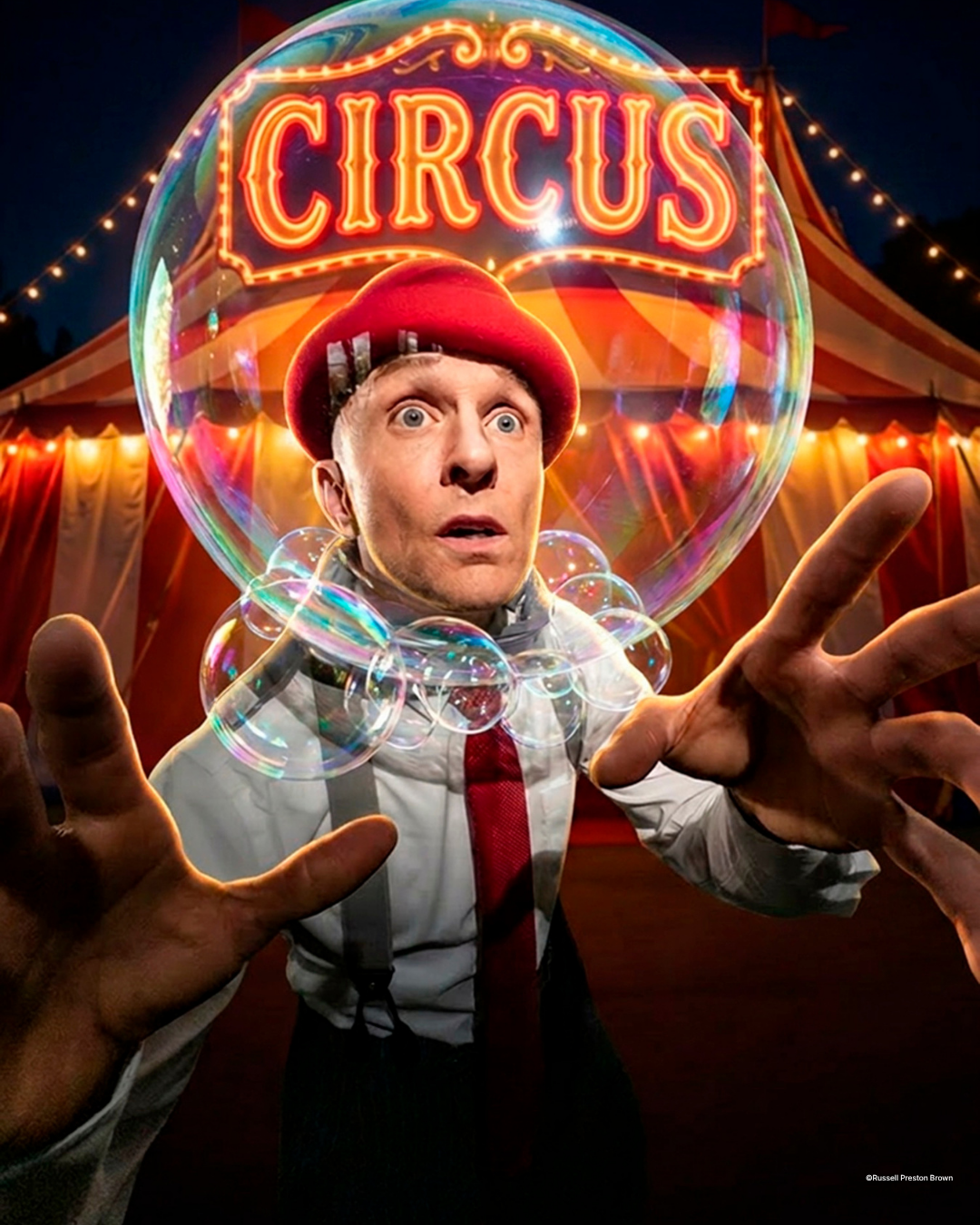
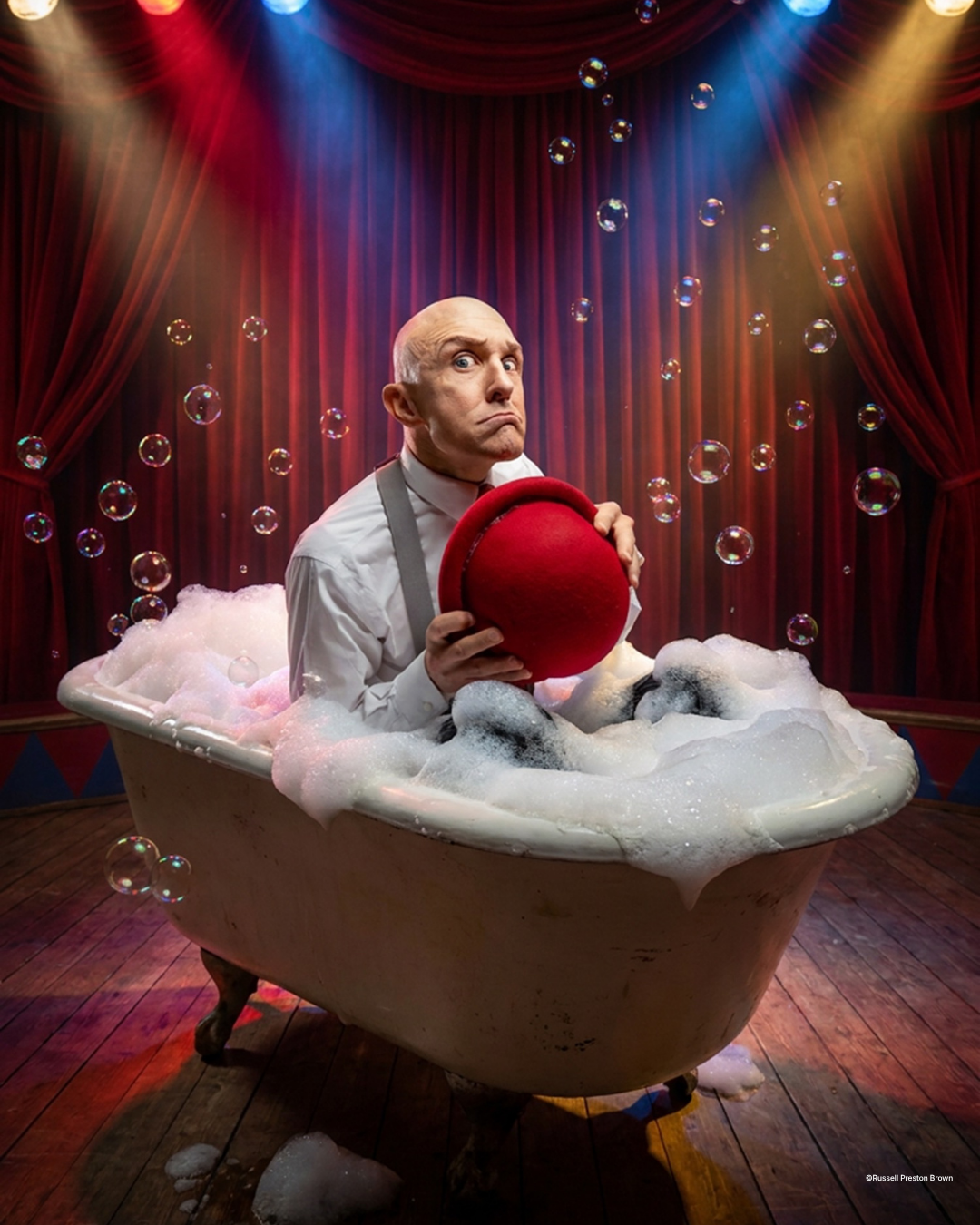
Great photo illustrations start with great photographs, and you don't need a studio full of gear to make them. Join Adobe's Russell Brown as he creates illustration-style portraits with an iPhone, one continuous light, and a tripod, then finishes them in Lightroom and Photoshop with Adobe Firefly. You'll shoot 48-megapixel raw on your phone, pull split, Rembrandt, loop, and butterfly lighting from a single light, and direct model and professional bubbleologist Kirk Marsh through a bubble bath with no bubbles and a hot air balloon made of soap. Then you'll add light that never existed on set and use Generative Fill to build the scene you imagined without changing your subject. The camera is already in your pocket. Russell shows you what it can do.
See what's inside the course →
|
|
|
|
7
Lessons
|
1
Light
|
48
MP, From a Phone
|
|
|
Try It Before You Join
Watch a full lesson, free
No signup. No credit card. A complete lesson from the course is streaming free on the course page right now — press play and see exactly how Russell teaches before you spend a dime.
Watch the free lesson →
|
|
|
What You'll Learn
|
|
Build a one-light iPhone studio
One Westcott continuous light with a grid, a tripod, a V-flat, and an iPhone shooting 48-megapixel raw straight into Lightroom
|
|
|
Shape a face with a single light
Split, Rembrandt, loop, and butterfly patterns, plus the feathering and V-flat tricks that make one light look like three
|
|
|
Direct a model toward the picture in your head
Sketch the concept first, coach the expression, and keep the background clean so Firefly has room to work
|
|
|
Add the light you never set up
A Lightroom preset, radial gradient, and mask that create a background light after the shoot is over
|
|
|
Build the scene in Photoshop
Generative Fill with Gemini 3 and Nano Banana 3 for rim lights, clawfoot tubs, and hot air balloons, without changing your subject's face or pose
|
|
...across all 7 lessons, from first click to finished illustration.
|
|
|
Why This Course Matters
| |
Generative AI has changed what a single photograph can become. It hasn't changed what makes a photograph worth building on.
That's why Russell Brown, after decades at Adobe shaping the tools photographers use every day, spends more time on light and direction than on prompts. Every generative tool works from the pixels you hand it. Clean separation, sculpted light, and a coached expression decide whether the finished illustration looks believable or looks like an effect, so photographers who master the fundamentals get more from AI, not less. You'll learn to photograph for the illustration you're planning, then add what the studio couldn't give you. Once that clicks, your gear budget stops deciding your creative ceiling. Your ideas do.
|
|
|
Not a Member Yet?
Unlock the Entire Library
Get this course plus 1,000+ more with an annual KelbyOne membership for $249 $199/year — that's about 54¢ a day, with a new course every week. Still deciding? Watch a free lesson first and see for yourself.
Instant access to every course, on every device
|
★★★★★ Rated 4.8 “Excellent” on Trustpilot · 30-day money-back guarantee
|
|
Your Instructor
One of the Most Recognized Names in Photoshop
|
 |
|
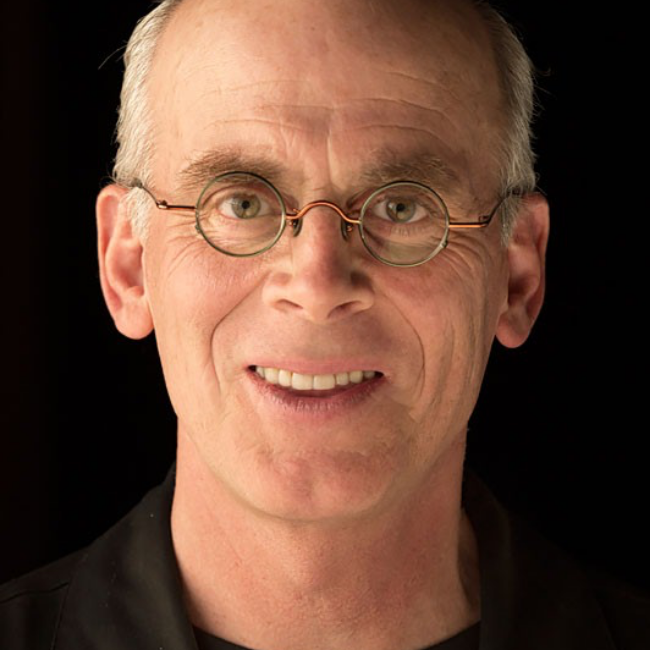
Russell Brown
Senior Creative Director, Adobe
|
| Photoshop |
Firefly |
Educator |
|
|
Russell Brown is Adobe's Senior Creative Director and one of the most recognizable teachers in Photoshop's history. For decades he's shown photographers what the software can do, from The Russell Brown Show to his Photoshop World sessions, always with a sense of play that makes the lessons stick. Here he turns that energy on a phone, a single light, and Firefly.
|
|
|
|
Know a Photographer Who Thinks They Need More Gear?
|
|
Pass this along — they’ll never look at their phone the same way.
|
|
|
|
| |
|