| |

|
|
One Workflow.
Every Image.
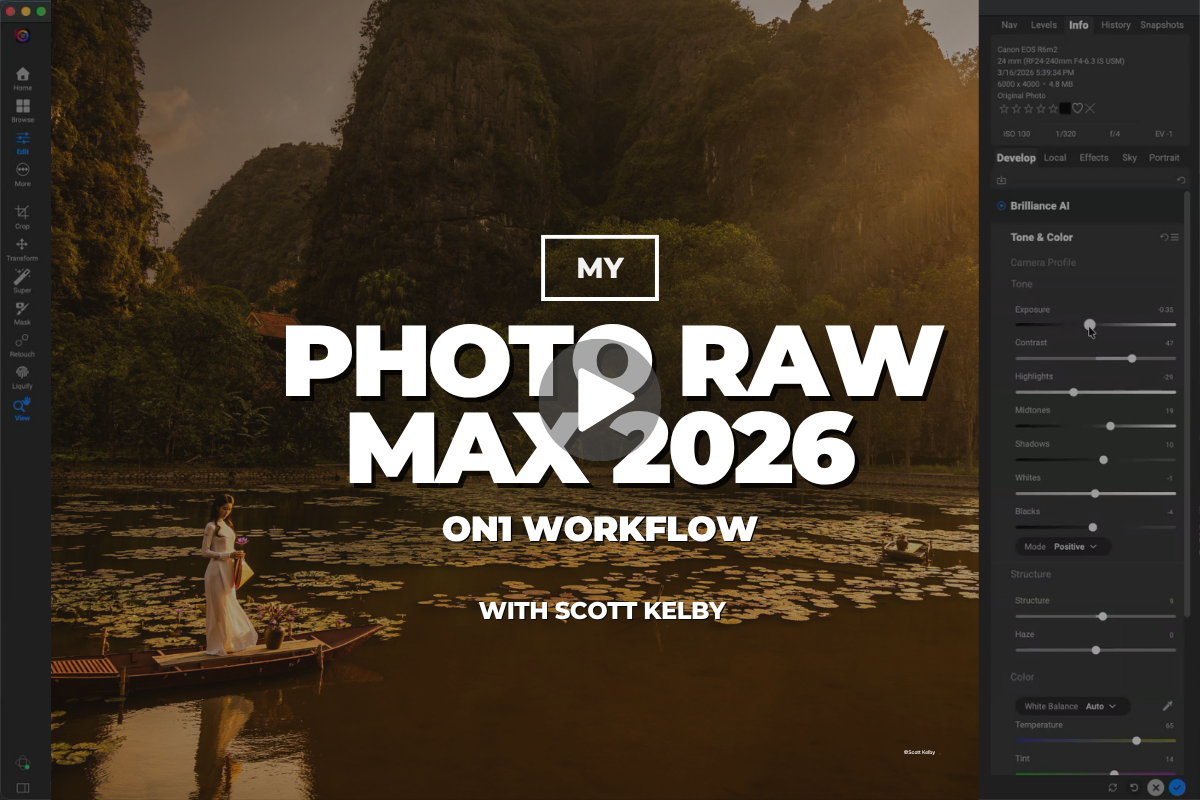
My Photo RAW Max 2026 ON1 Workflow
14 lessons with Scott Kelby · His complete editing recipe
|
| |
Anyone can download Photo RAW Max.
Scott shows you how to actually use it.
|
|
|
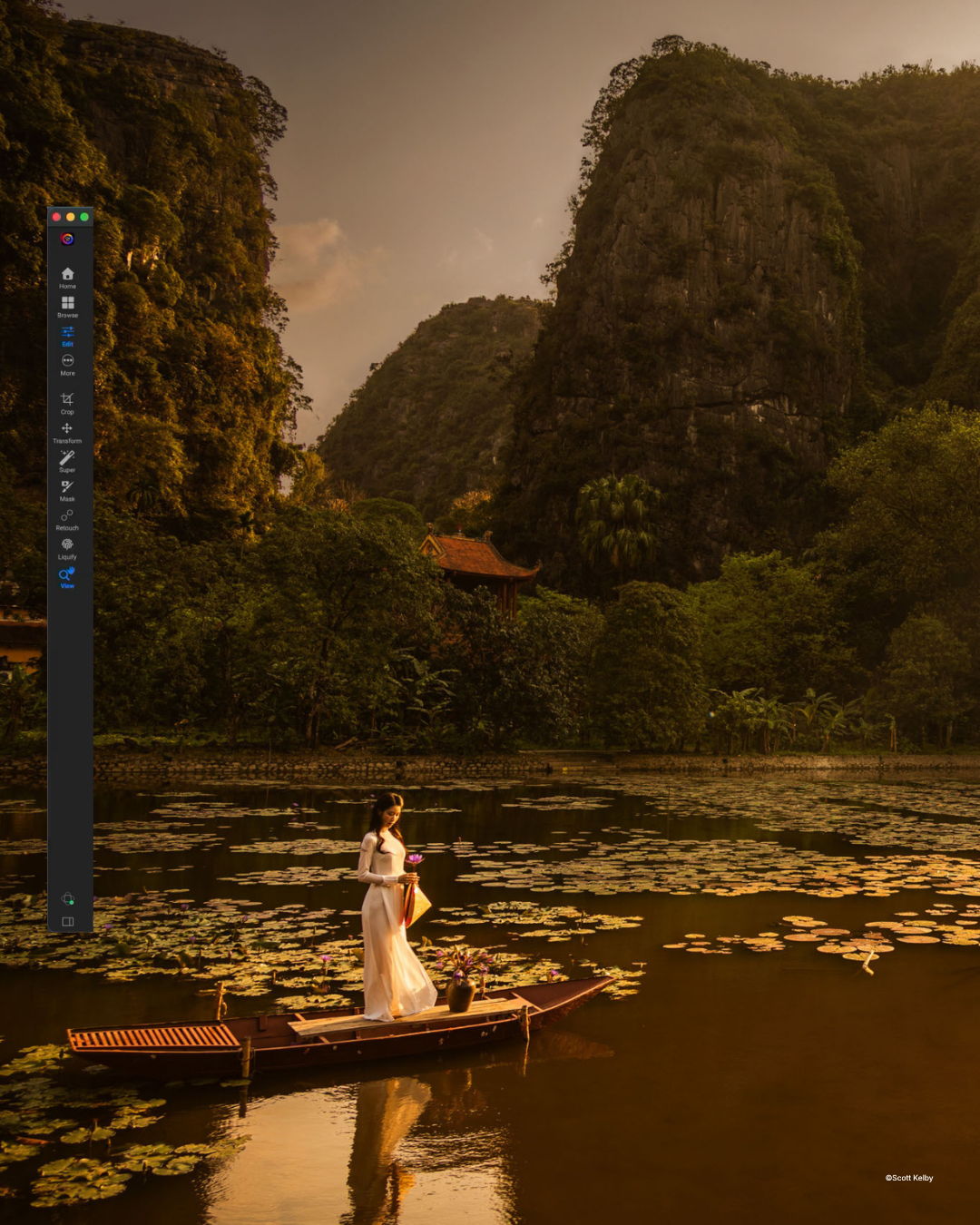
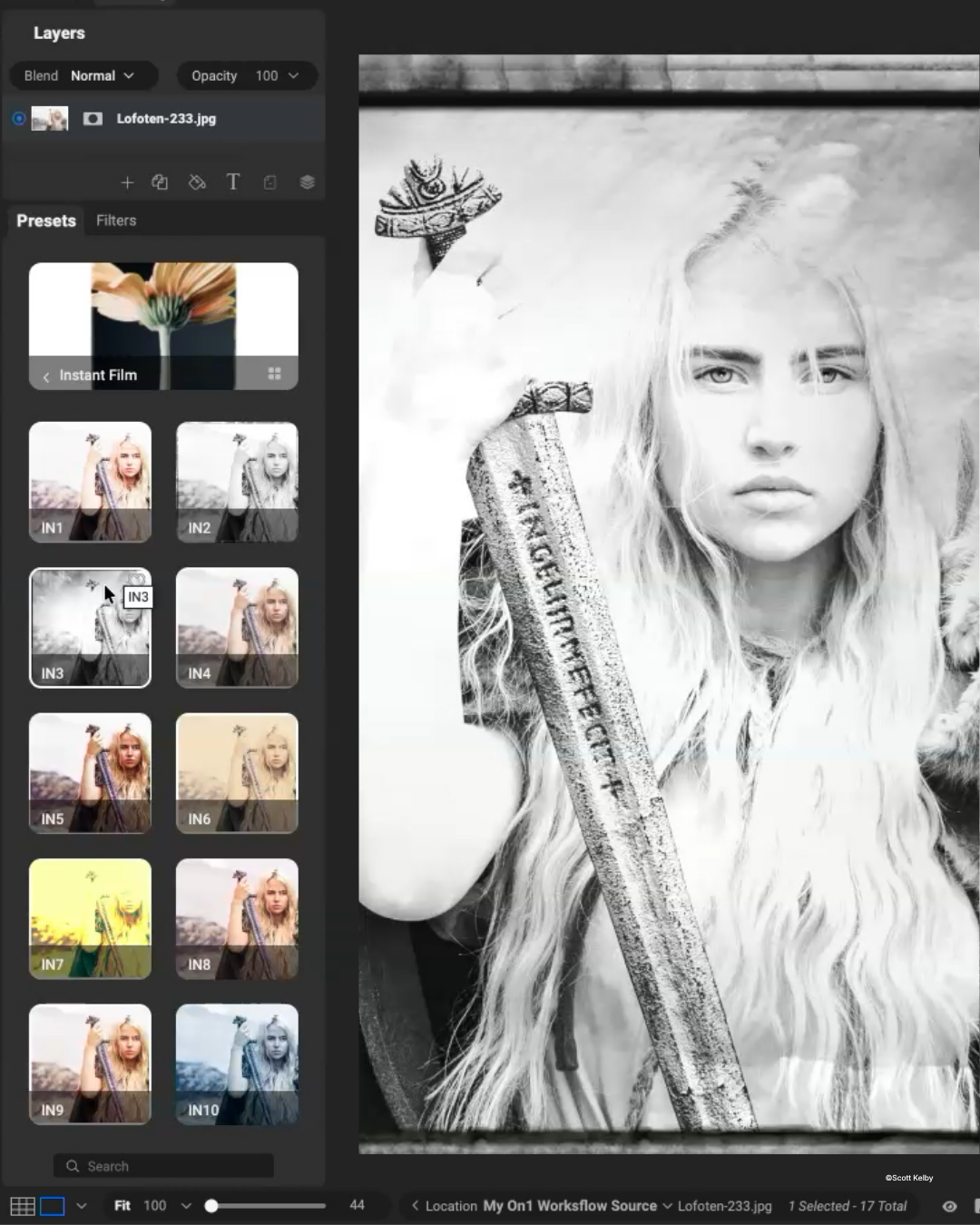
Go inside Scott Kelby's real, start-to-finish ON1 Photo RAW Max workflow — the exact order he edits, the tools he reaches for, and the ones he skips. You'll start with NoNoise AI, upsize images for big prints with Resize AI, rescue problem shots with Brilliance AI, fix or completely replace skies with Sky Swap AI, and stack effects like Bleach Bypass, LUTs, sun flares, and vignettes for a polished, professional finish — before wrapping up with a final pass in Tack Sharp AI. Whether you use Photo RAW Max on its own or alongside Lightroom and Photoshop, you'll walk away with a clear, repeatable workflow and a whole new set of creative options.
See what's inside the course →
|
|
|
|
14
Lessons
|
1
Complete Workflow
|
0
Guesswork
|
|
|
What You'll Learn
|
|
Start every edit the right way
Scott's first move on every image: NoNoise AI wipes out noise — even at 20,000 ISO — while keeping all the detail
|
|
|
Upsize small files for big, beautiful prints
Resize AI makes images — even iPhone shots — look tack sharp at 4x and 8x their size, with face recovery built in
|
|
|
Rescue shots you'd written off
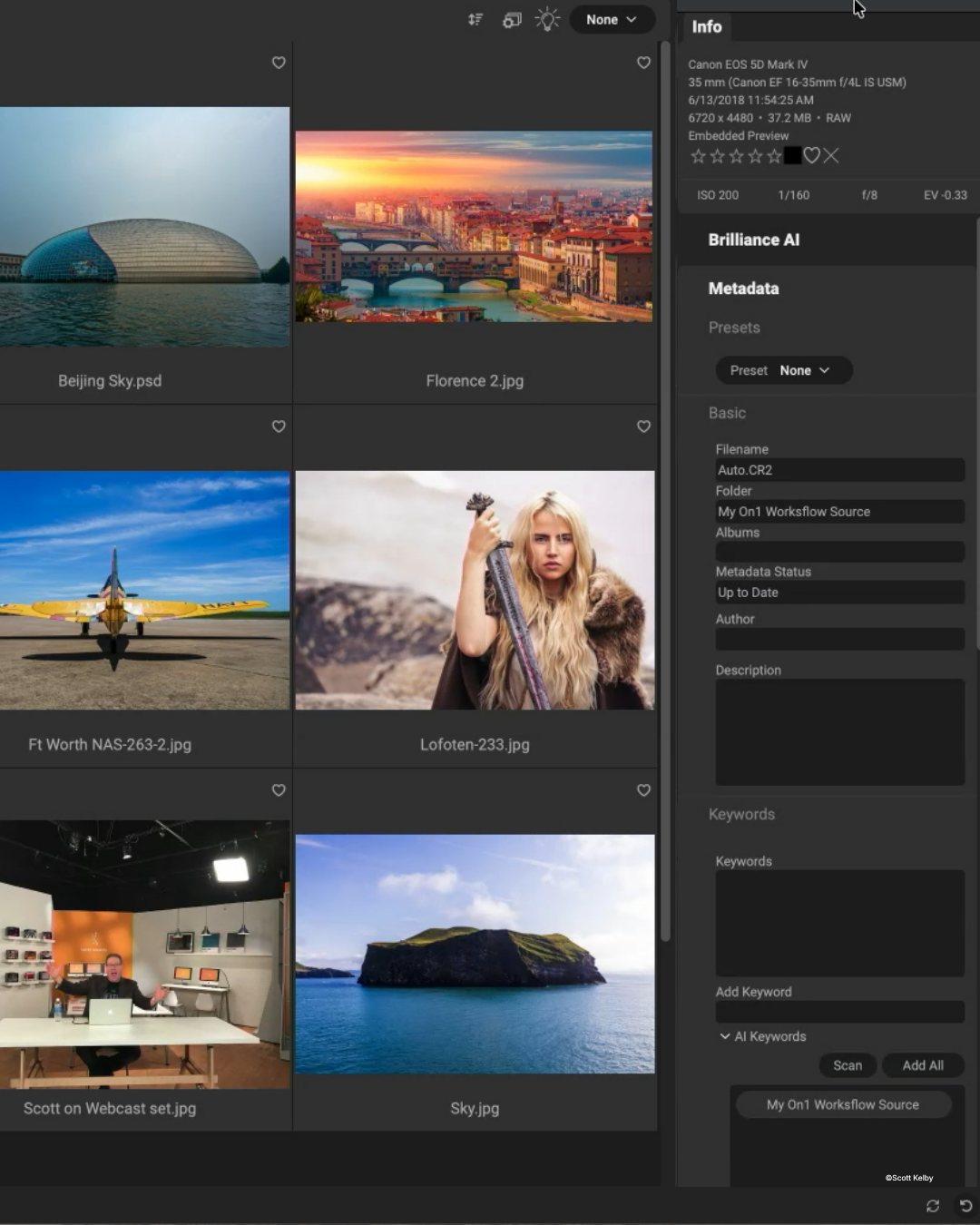
Brilliance AI transforms blurry, badly exposed images in seconds, then local adjustments dial in skies, color, and contrast
|
|
|
Fix — or completely replace — any sky
Sky Swap AI's realistic sky library, horizon controls, and automatic water reflections make the swap completely believable
|
|
|
Finish with pro-level polish
Stack Bleach Bypass, LUTs, sun flares, glows, vignettes, and borders — then make it all crisp with a final pass in Tack Sharp AI
|
|
...across all 14 lessons, from first click to final sharpening.
|
|
|
Why This Course Matters
| |
Most photographers don't have a tool problem — they have a “too many sliders, no roadmap” problem.
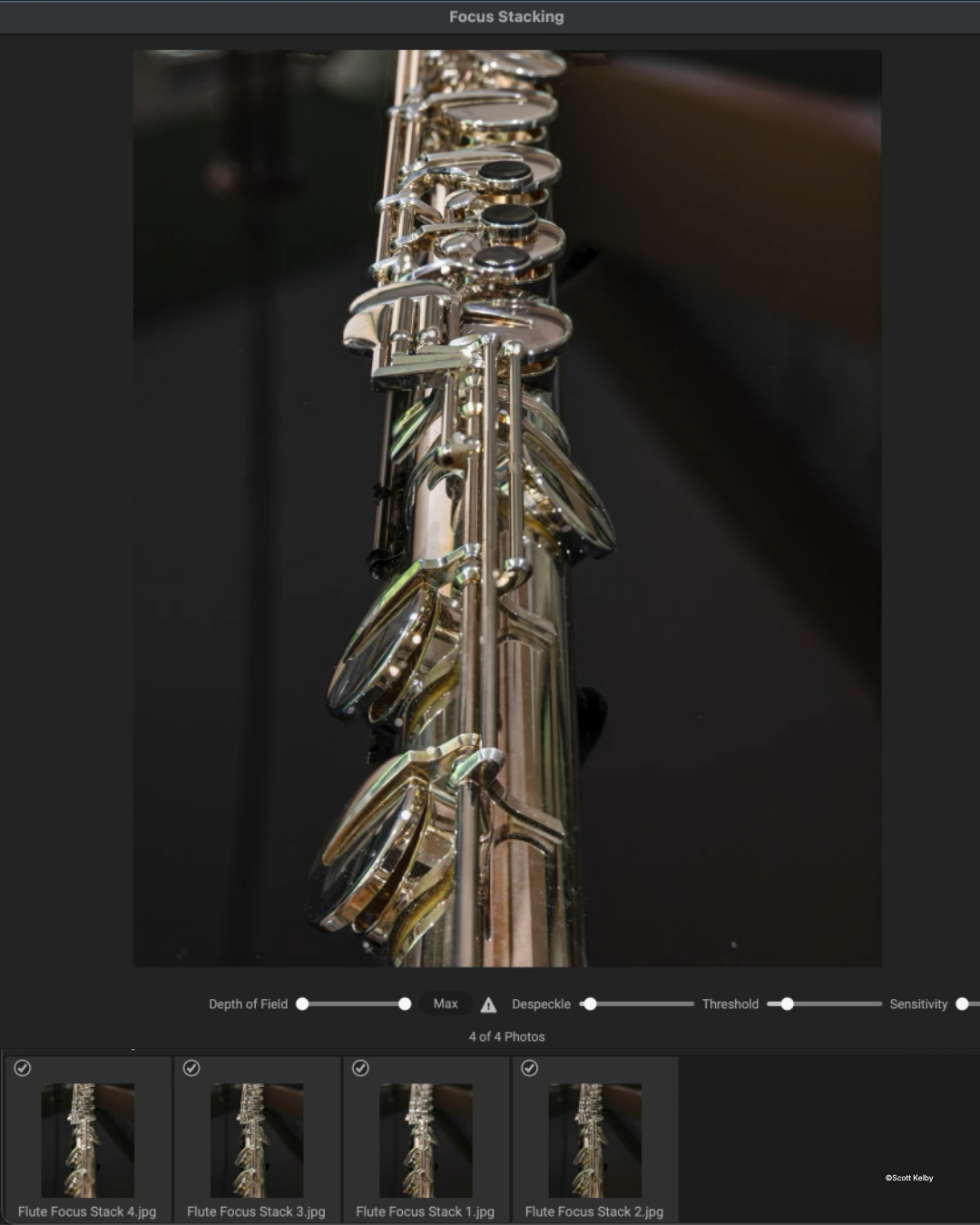
Knowing when to use each tool, in what order, and when to stop is what separates a decent edit from a portfolio piece. Scott hands you one proven sequence from first click to final sharpening — so you'll rescue high-ISO shots you'd written off, turn small files into wall-worthy prints, and finally put to work powerful features, like focus stacking and the AI Style Advisor, sitting unused in software you already own.
|
|
|
or watch the full course free →
|
Not a Member Yet?
Unlock the Entire Library
Get this course plus 1,000+ more with an annual KelbyOne membership for $199/year — that's about 54¢ a day, with a new course every week.
Instant access to every course, on every device
|
★★★★★ Rated 4.8 “Excellent” on Trustpilot · 30-day money-back guarantee
|
|
Not Ready to Join?
Watch This Entire Course Free
All 14 lessons, on us — just tell us where to send your access link.
No credit card. No commitment. Free access through November 15, 2026.
|
|
|
Your Instructor
One of Photography's Most Trusted Teachers
|

|
|
Scott Kelby
Photographer, Author & KelbyOne Founder
|
| Photo RAW |
Bestselling Author |
Educator |
|
|
Scott Kelby is a photographer, award-winning author of more than 100 books, and the founder of KelbyOne. He's known for a friendly, no-nonsense teaching style that strips the intimidation out of complex topics — and here he turns it on his complete ON1 editing workflow.
|
|
|
|
P.S. Not ready for a membership? You can watch this entire course free — grab your access link here.
|
|
Know a Photographer Drowning in Sliders?
|
|
Pass this along — they’ll thank you after their next edit.
|
|
|
|
| |
|