| |
 |
 |
| STILL FREE · ENDS NOVEMBER 15 |
Still Free.
Not for Long.
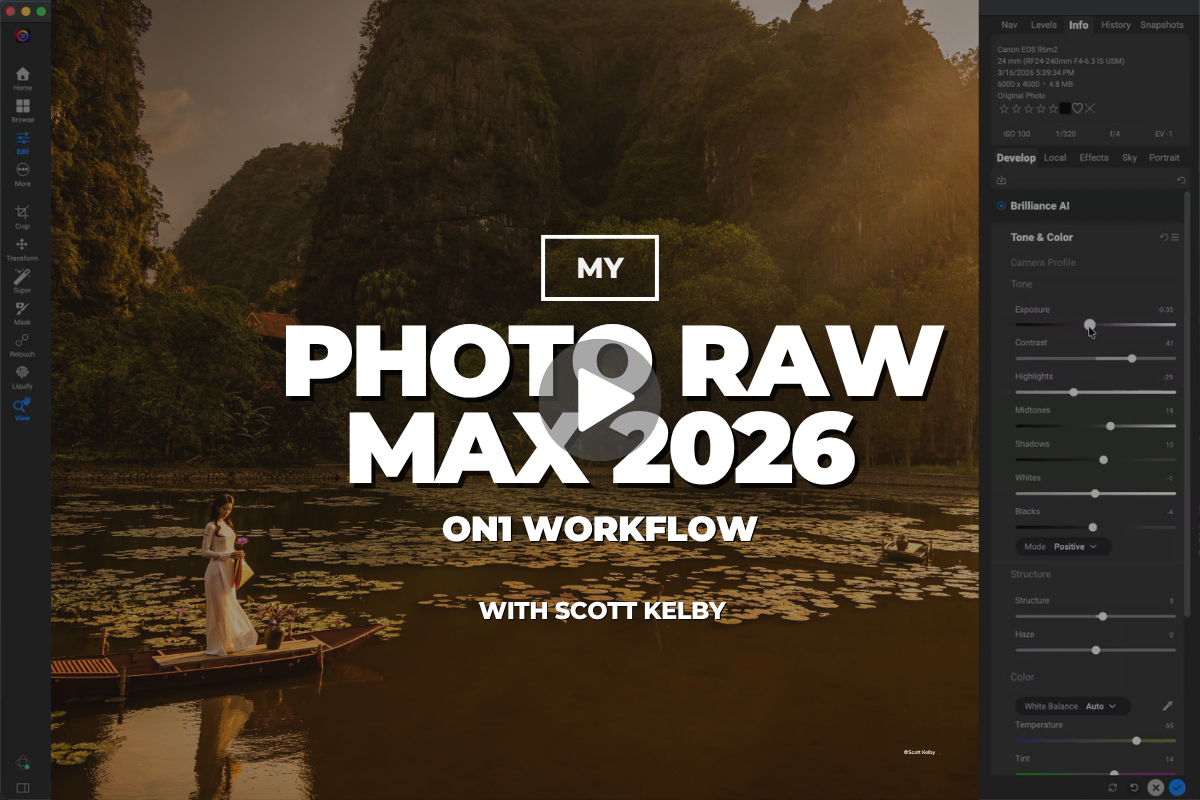
My Photo RAW Max 2026 ON1 Workflow
14 lessons with Scott Kelby · His complete editing recipe
|
| |
You've got until November 15.
After that, this course is members-only.
|
|
|
Quick reminder before you miss it: Scott Kelby's complete ON1 Photo RAW Max course — all 14 lessons, start to finish — is still yours to watch free. His real workflow: NoNoise AI on the way in, Resize AI for big prints, Brilliance AI rescues, Sky Swap AI makeovers, stacked effects for that cinematic finish, and a final pass in Tack Sharp AI. One email address is all it takes, and you can start watching in the next two minutes. But don't sit on it: free access ends November 15, 2026, and after that this course joins the members-only library.
Start watching free →
|
|
|
|
14
Lessons
|
1
Complete Workflow
|
0
Guesswork
|
|
|
What You'll Learn
|
|
Start every edit the right way
Scott's first move on every image: NoNoise AI wipes out noise — even at 20,000 ISO — while keeping all the detail
|
|
|
Upsize small files for big, beautiful prints
Resize AI makes images — even iPhone shots — look tack sharp at 4x and 8x their size, with face recovery built in
|
|
|
Rescue shots you'd written off
Brilliance AI transforms blurry, badly exposed images in seconds, then local adjustments dial in skies, color, and contrast
|
|
|
Fix — or completely replace — any sky
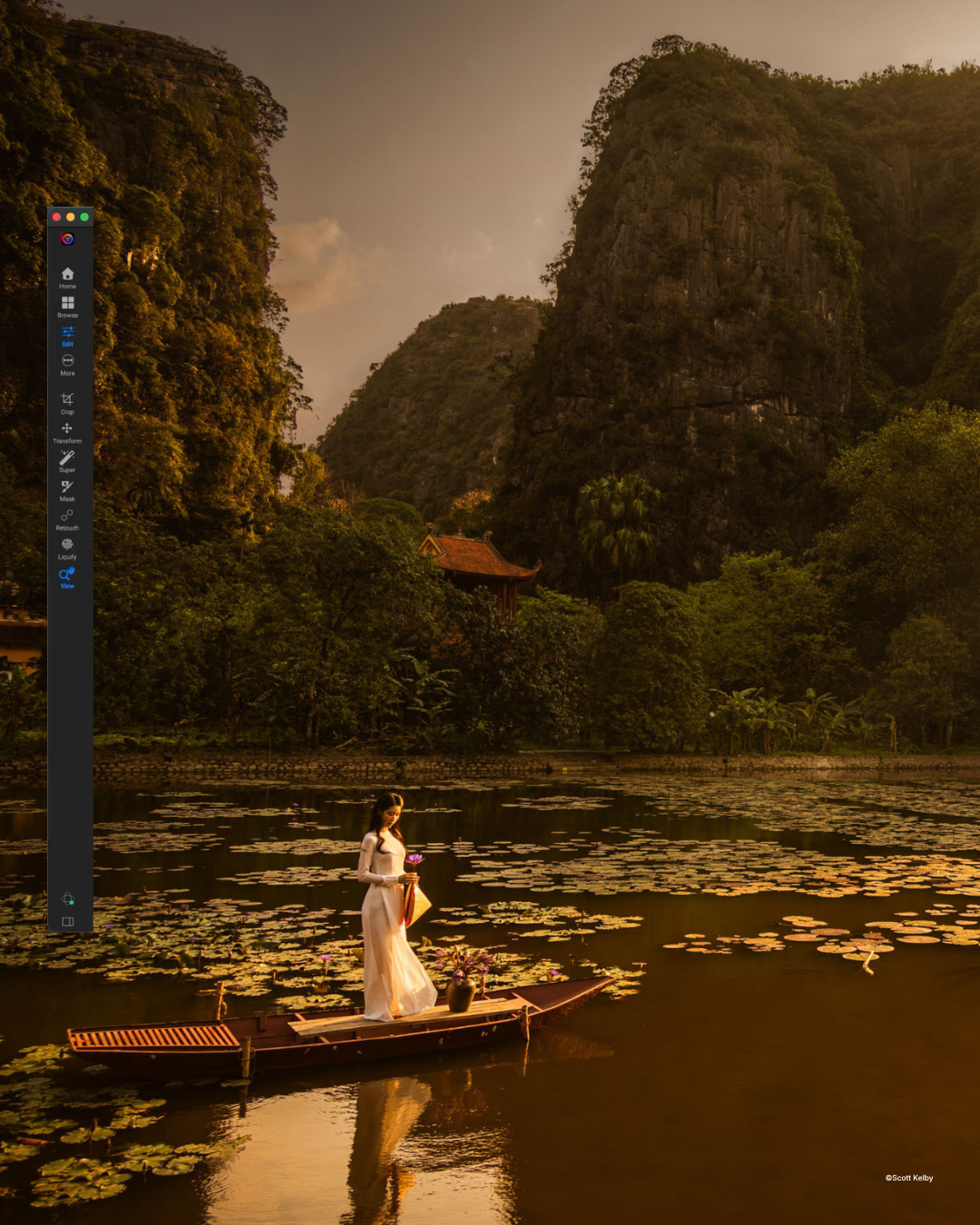
Sky Swap AI's realistic sky library, horizon controls, and automatic water reflections make the swap completely believable
|
|
|
Finish with pro-level polish
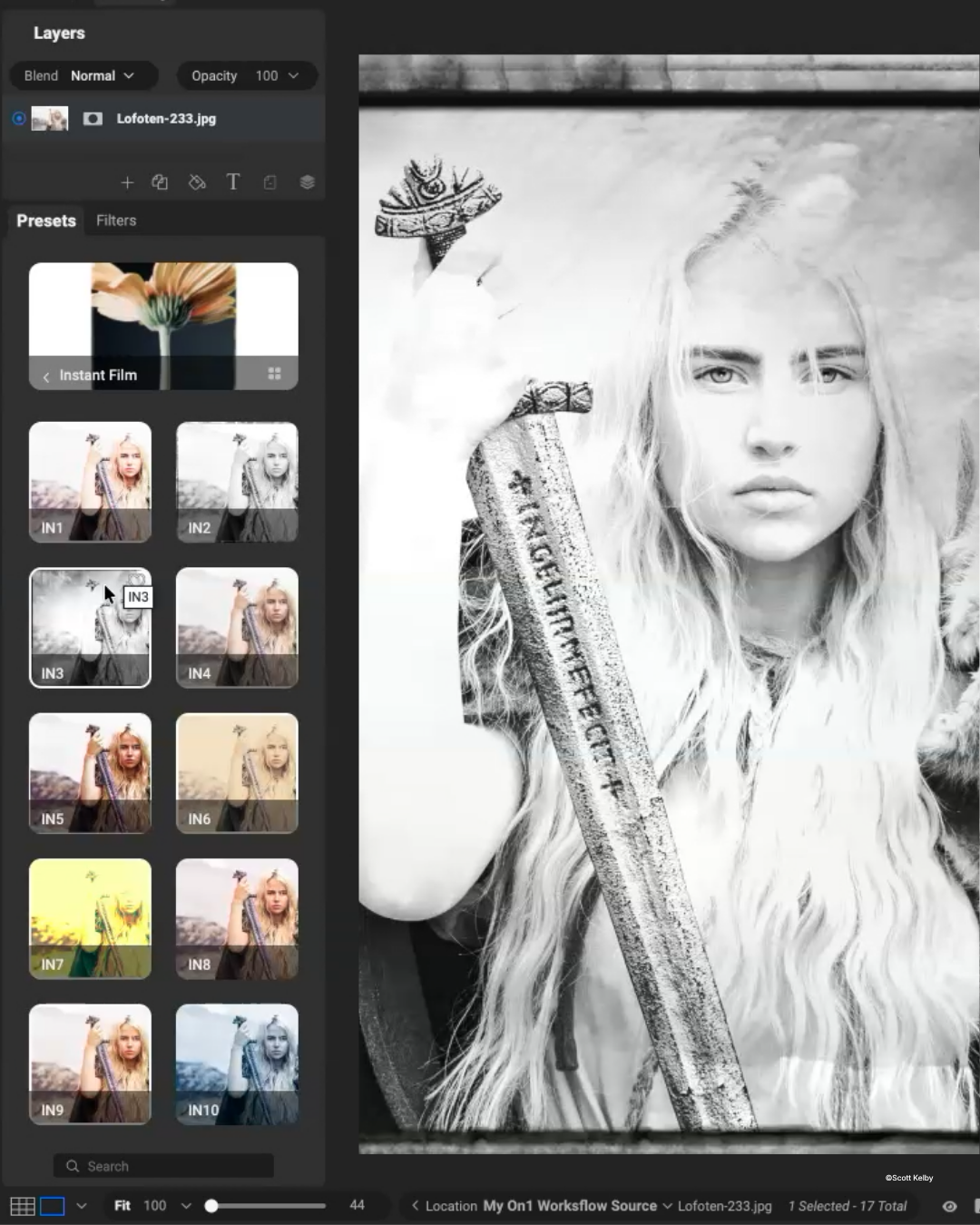
Stack Bleach Bypass, LUTs, sun flares, glows, vignettes, and borders — then make it all crisp with a final pass in Tack Sharp AI
|
|
...across all 14 lessons, from first click to final sharpening.
|
|
|
Why This Course Matters
| |
Most photographers don't have a tool problem — they have a “too many sliders, no roadmap” problem.
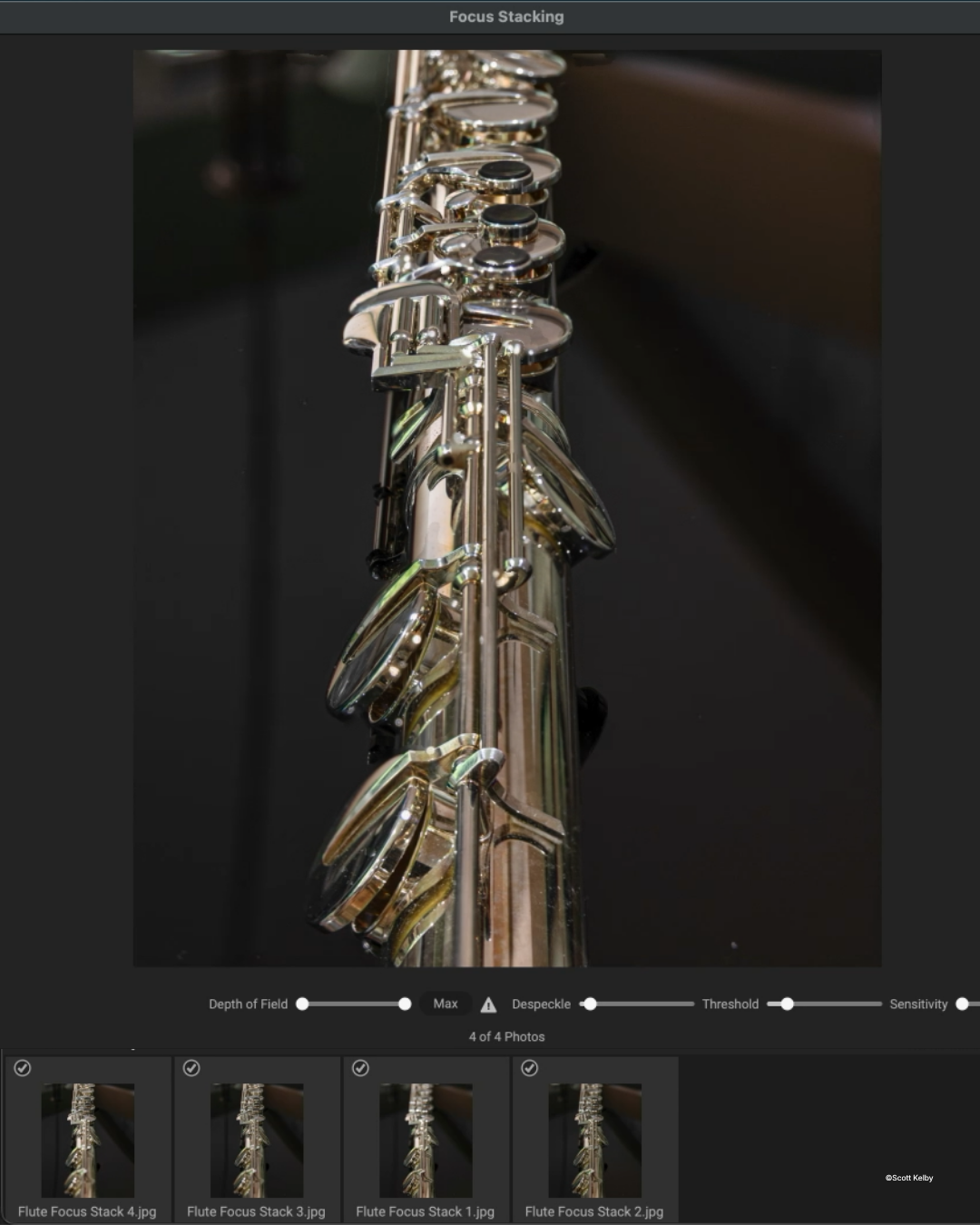
Knowing when to use each tool, in what order, and when to stop is what separates a decent edit from a portfolio piece. Scott hands you one proven sequence from first click to final sharpening — so you'll rescue high-ISO shots you'd written off, turn small files into wall-worthy prints, and finally put to work powerful features, like focus stacking and the AI Style Advisor, sitting unused in software you already own.
|
|
|
Not a Member Yet?
Unlock the Entire Library
Get this course plus 1,000+ more with an annual KelbyOne membership for $249 $199/year — a $50 savings, about 54¢ a day, with a new course every week.
Instant access to every course, on every device
|
★★★★★ Rated 4.8 “Excellent” on Trustpilot · 30-day money-back guarantee
|
|
Your Instructor
One of Photography's Most Trusted Teachers
|
 |
|
Scott Kelby
Photographer, Author & KelbyOne Founder
|
| Photo RAW |
Bestselling Author |
Educator |
|
|
Scott Kelby is a photographer, award-winning author of more than 100 books, and the founder of KelbyOne. He's known for a friendly, no-nonsense teaching style that strips the intimidation out of complex topics — and here he turns it on his complete ON1 editing workflow.
|
|
|
|
Know a Photographer Drowning in Sliders?
|
|
Pass this along — they’ll thank you after their next edit.
|
|
|
|
| |
|