8. Facebook Messenger 💬 |
Surprise: Messenger is a killer marketing tool. |
Open rates are phenomenal! |
Use it for: |
Reaching out for reviews. Fielding customer questions. Sharing new products or sales. |
|
|
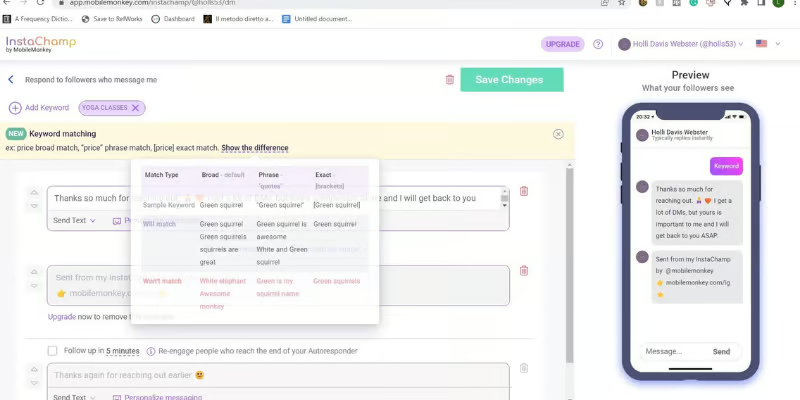
InstaChamp automates your Messenger responses. |
Set up auto-responses that work while you sleep. |
|
Standout features: |
Story Mentions: Auto-message anyone who mentions you. Post Comments: Contact anyone who comments on your posts. Conversation pathways for self-service info. |
|
10. ShortStack – Contests & Giveaways 🎁 |
Contests are one of the fastest ways to generate engagement. People love free stuff! |
ShortStack makes running giveaways incredibly easy to get more Likes. |
Features: |
Multi-platform contests (FB, IG, and more). Customizable templates. Lead generation tools. User-generated content collection. |
|
|
Use your website to drive Facebook followers. |
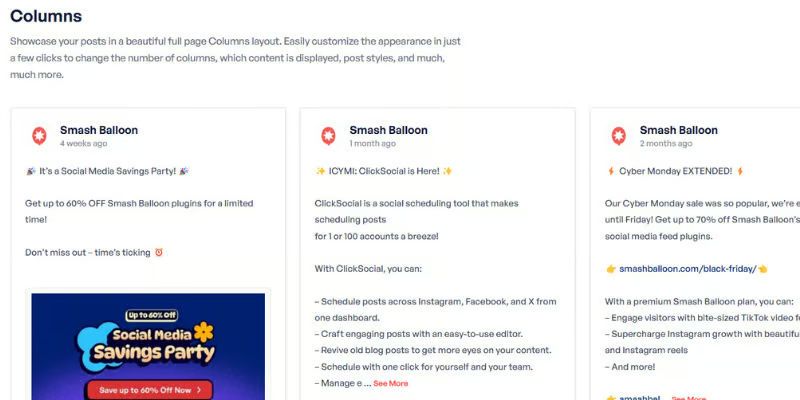
Facebook Feed Pro displays your Facebook content on your WordPress site. |
Your website becomes a social media follower generator. |
|
Features: |
Quick integration (60 seconds!). Customizable feed display. Mobile-optimized. Set it and forget it: auto-updates. |
|
|
A tool within Meta Business Suite that deserves its own spotlight. |
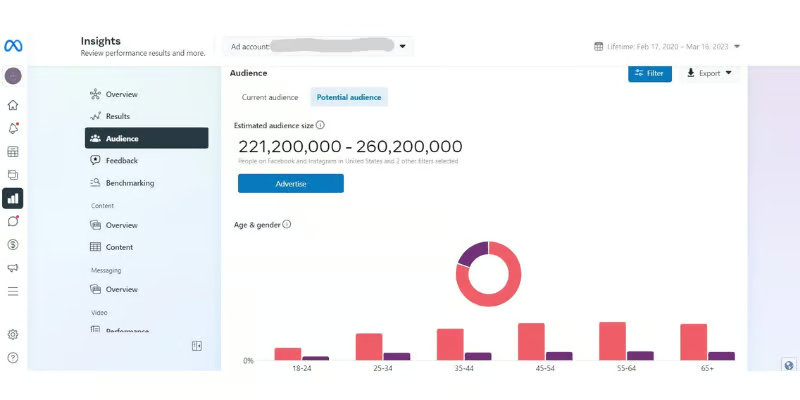
Learn about your audience to target your content better. |
|
Features: |
Demographic insights (age, gender, location, interests) Current vs. potential audience estimates Competitor audience comparison Interest and behavior tracking |
|
13. QR Code in Your Physical Store 📱 |
Put a QR code linking to your Facebook page on your: |
Checkout counter. Receipts. Front door. |
Customers are more than willing to follow you when it's easy. |
You can use any free tool to generate the codes. |
|
14. Cross-Promote on Other Social Accounts 🔄 |
Use your other social channels as lead generators for Facebook. |
Share your latest Facebook post on X/Twitter. Add your Facebook link to all your social bios. |
|
Using Post Planner to Grow Facebook Followers 📈 |
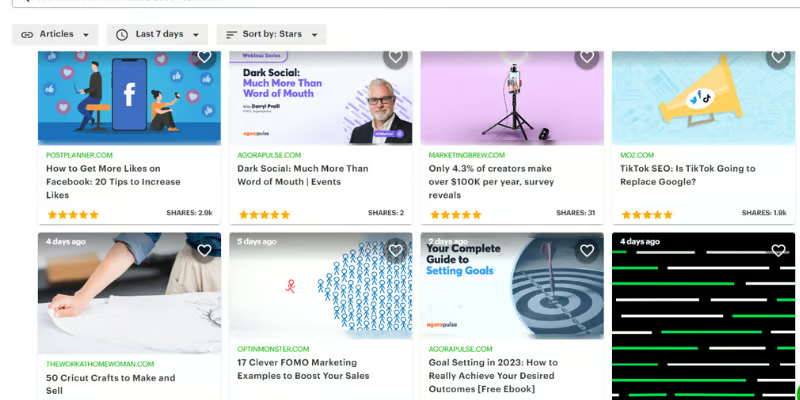
Ready to put these tools to work? Here's how Post Planner ties it all together: |
Step 1: Create a posting plan. Set up a queue plan telling Post Planner what content to post and when. |
Step 2: Find content. Use Content Streams to discover high-performing content in your niche. |
Step 3: Schedule content. Select posts, customize for your audience, and add to your queue. |
Step 4: Monitor analytics. Track what's working in the History tab. Recycle your winners. |
Start your free Post Planner trial to follow along! |
|
The Bottom Line ⚡ |
Getting Facebook marketing right can massively boost your business. |
But it's nearly impossible without the right tools. |
These 14 tools help you improve content, boost engagement, and bring in more followers and sales. |
Which ones will you try first? |