|
Three P2 Projects + Materials to Start
|
|
Start custom engraving from $149. See three finished project ideas, then find clean blanks and consumables for your next P2 workflow.
|
|
|
|
|
Choose the P2 that fits your first project.
|
|
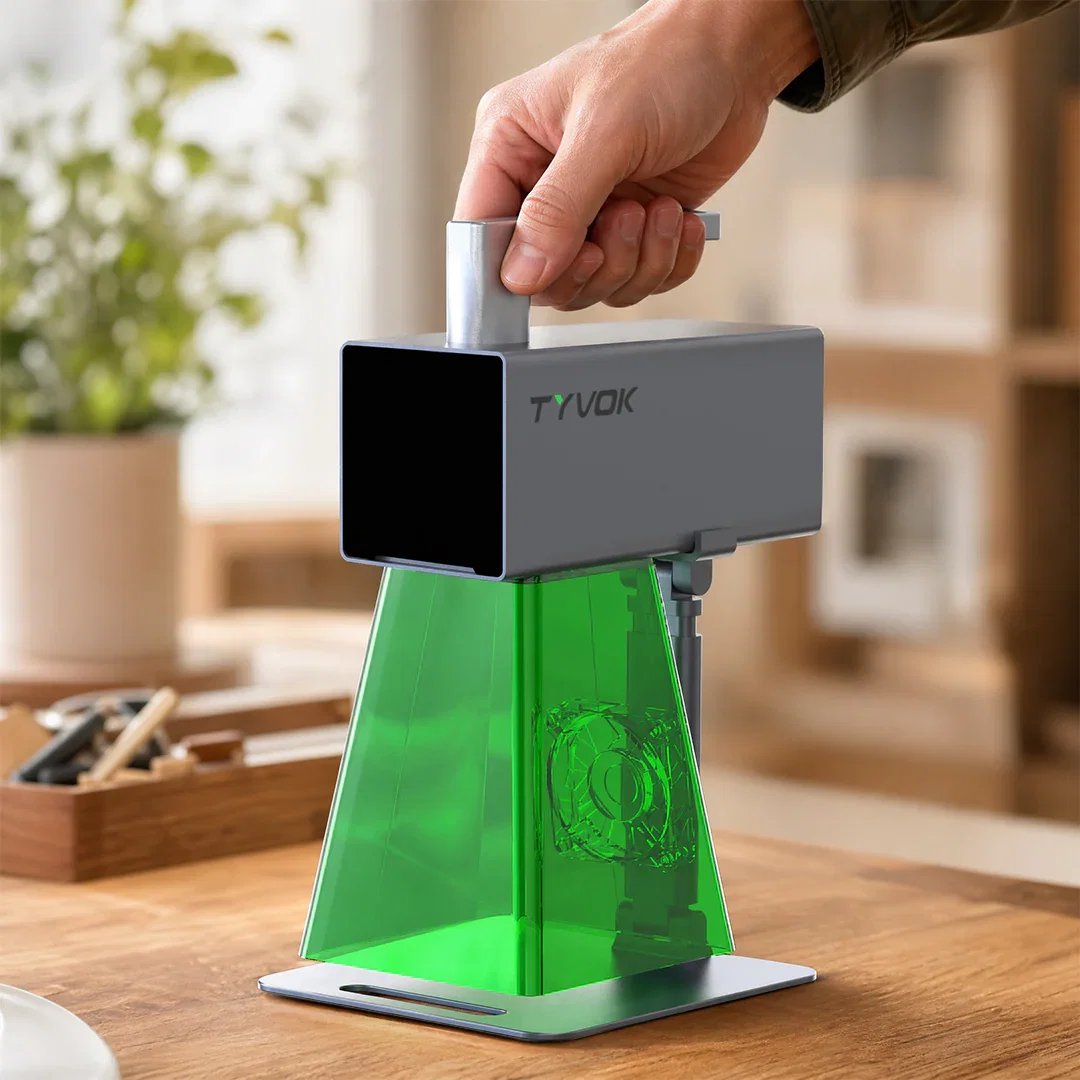
P2 2W is the lowest-cost way to start at $149. Choose it for gifts, cards, leather personalization, tags, and light everyday projects. P2 10W is the stronger growth option for broader creative workflows.
|
|
|
|
|
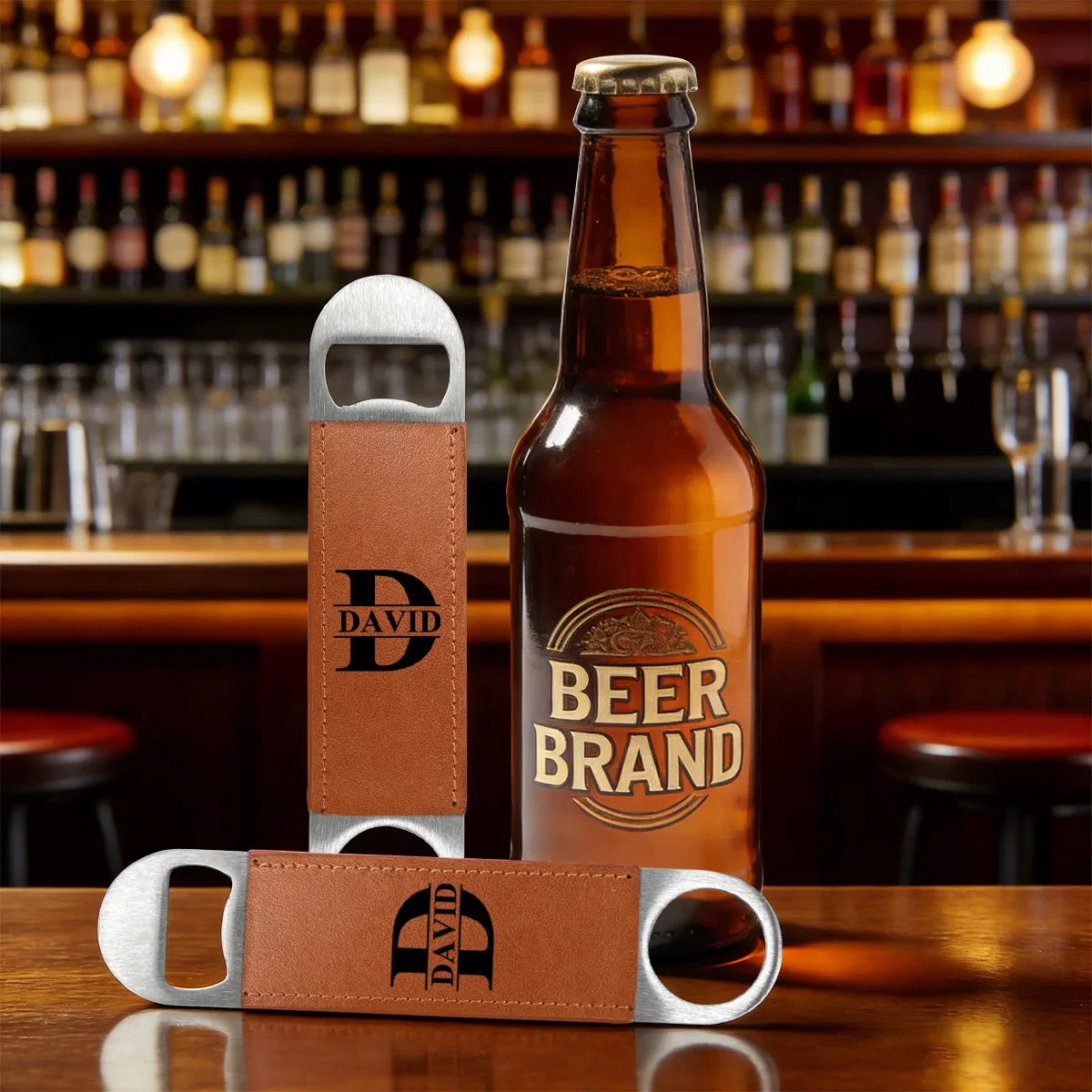
Case 1: Bar merch that looks like a finished product.
|
|
Engrave a bar logo, pub name, wedding date, table number, or event identity on a leather bottle opener. This is a practical item for bars, restaurants, small breweries, wedding favors, and local events.
Why it works: buyers can see the finished product immediately, and the same layout can be repeated for different venues, dates, or names.
|
|
|
|
|
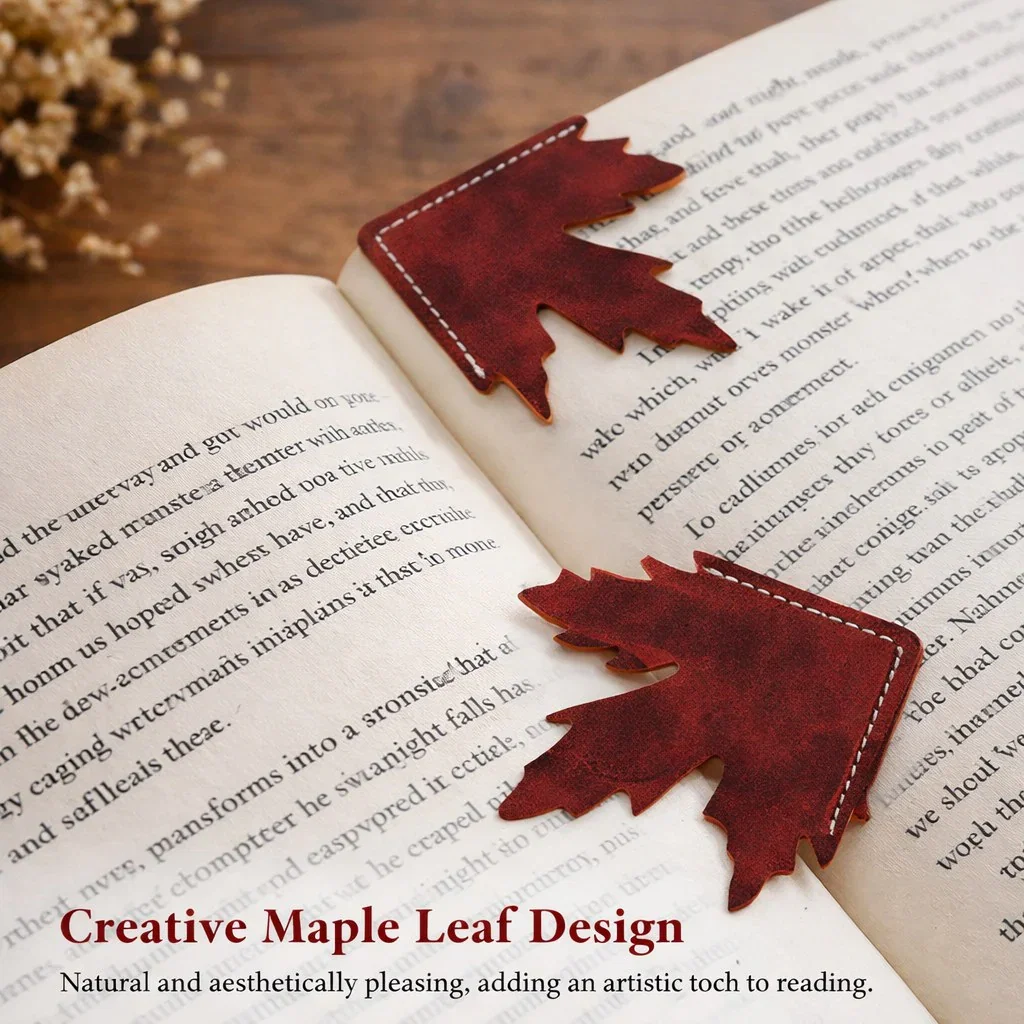
Case 2: A bookmark gift people actually keep.
|
|
A leather bookmark can carry a name, quote, school message, book club mark, or seasonal design. It works for teachers, readers, book clubs, graduation gifts, and handmade shop bundles.
Why it works: the engraving area is clear, the photo is easy to understand, and the item feels personal without needing a complicated setup.
|
|
|
|
|
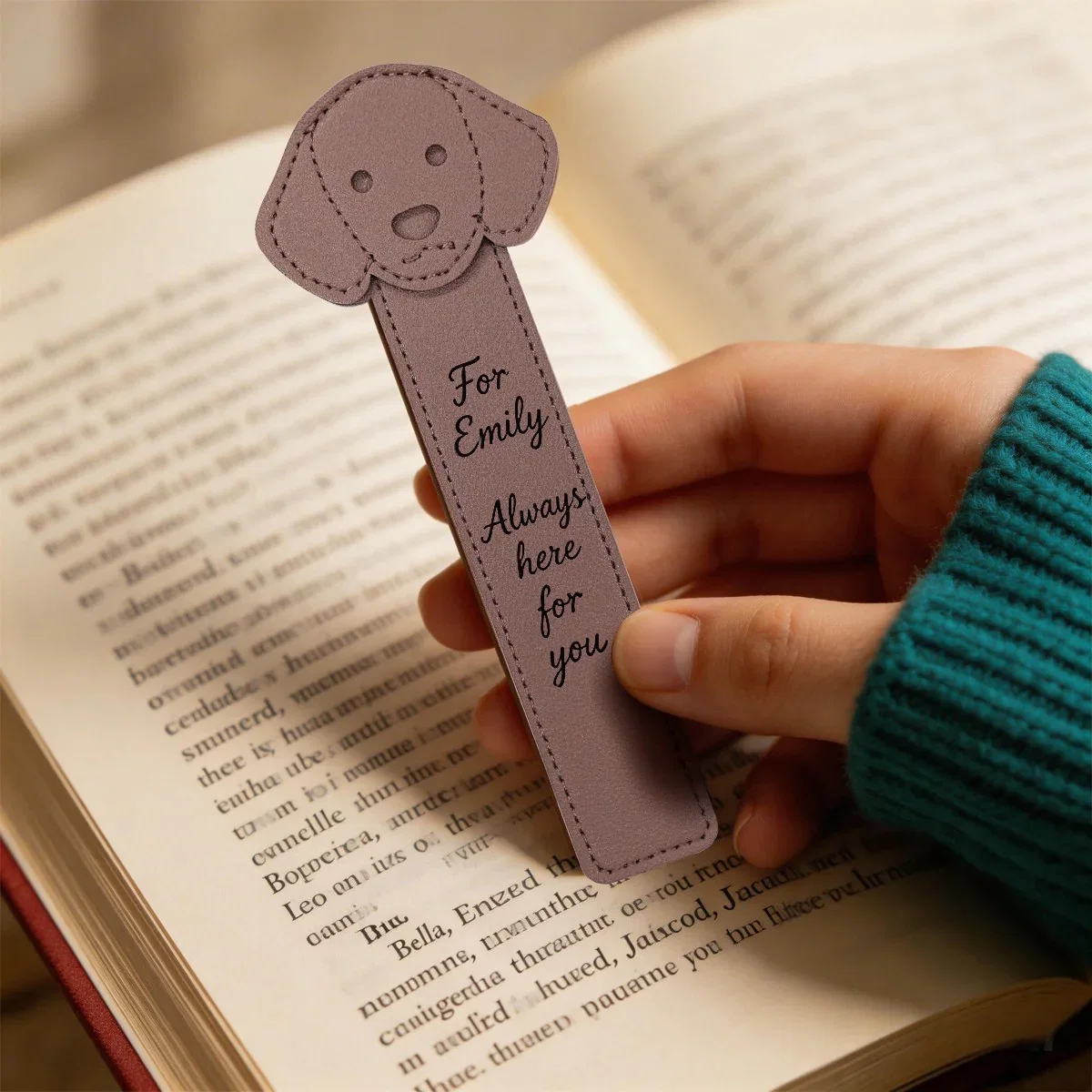
Case 3: Personalized pet and kids gifts.
|
|
Add a child name, pet name, short message, birthday line, or classroom gift text to a shaped leather bookmark. This can become a small gift for families, students, pet lovers, and reading programs.
Why it works: the recipient is obvious. The buyer is not just buying a material sample; they are imagining a named gift for someone specific.
|
|
|
|
|
Materials Expert: start with the right blanks.
|
|
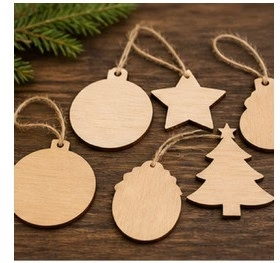
After choosing a P2, buyers still need clean, reliable blanks: wood tags, leather pieces, coasters, cards, and other engraving materials that make small-batch projects easier to repeat.
Why it works: this gives users the next step after inspiration. They can choose P2, then quickly find the consumables that match their first gift, sample, or shop project.
|
|
|
|
|
Tyvok Studio and mobile support keep the first step simple.
|
|
Prepare the design, place the material, and engrave. P2 supports Tyvok Studio and mobile control, so beginners can start with a clear workflow while experienced users still have a flexible desktop setup.
|
|
|
|
|
Ready to make a P2 project?
|
|
Project images and P2 buttons open the P2 purchase page. The materials section opens Tyvok blanks and consumables for the next step.
|
|
|
|
|
You are receiving this email because you subscribed to Tyvok updates.
|
|
|
|
|
|
|
|